
Appointment reminder texts
Cut missed appointments with a timely text the day before, sent automatically at the time you choose.
Read more
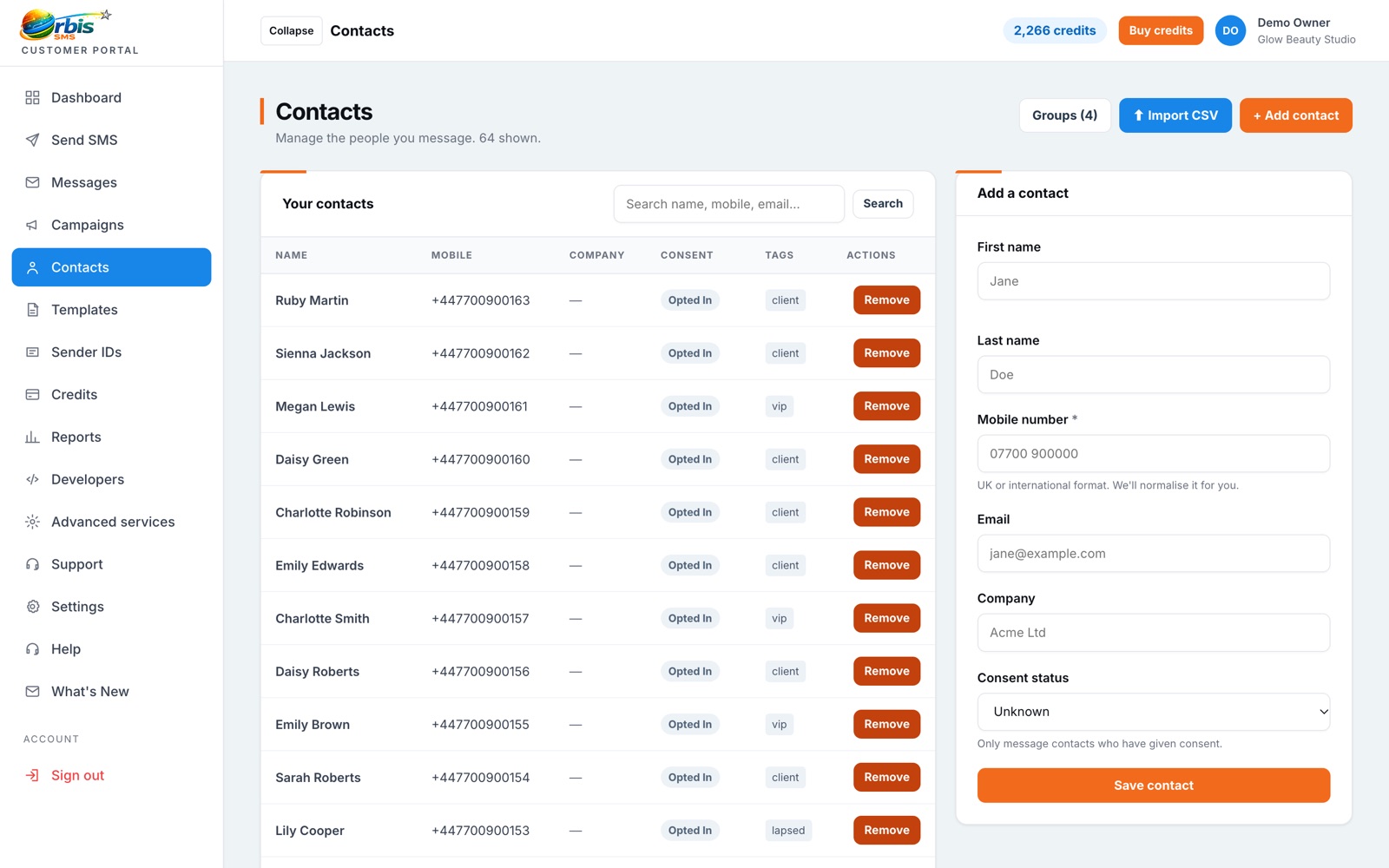
Import contacts from a spreadsheet, sort them into groups and send to exactly the right people every time.
Most businesses already hold customer details somewhere: a booking system export, a till system or a spreadsheet kept by the office. Orbis SMS lets you upload those details as a CSV file and map the columns to names and mobile numbers. Once imported, contacts are available for one-off messages, campaigns and scheduled sends, so you are not copying and pasting numbers every time you want to get in touch.
Groups let you message the right slice of your audience. A gym might keep groups for members, class waiting lists and staff. A letting agent might separate landlords, tenants and contractors. Contacts can sit in more than one group, so you can build useful segments without duplicating records. Choosing a group when you send is quicker and far less error-prone than selecting individuals.
Out-of-date or badly formatted numbers waste credits and skew your results. Keep your lists tidy by removing people who have left, correcting obvious errors and importing in a consistent format. Numbers that have opted out are suppressed from marketing sends, which protects both your customers and your reputation. Only upload contacts you have a lawful basis to message, and record where consent came from.
Cut missed appointments with a timely text the day before, sent automatically at the time you choose.
Read more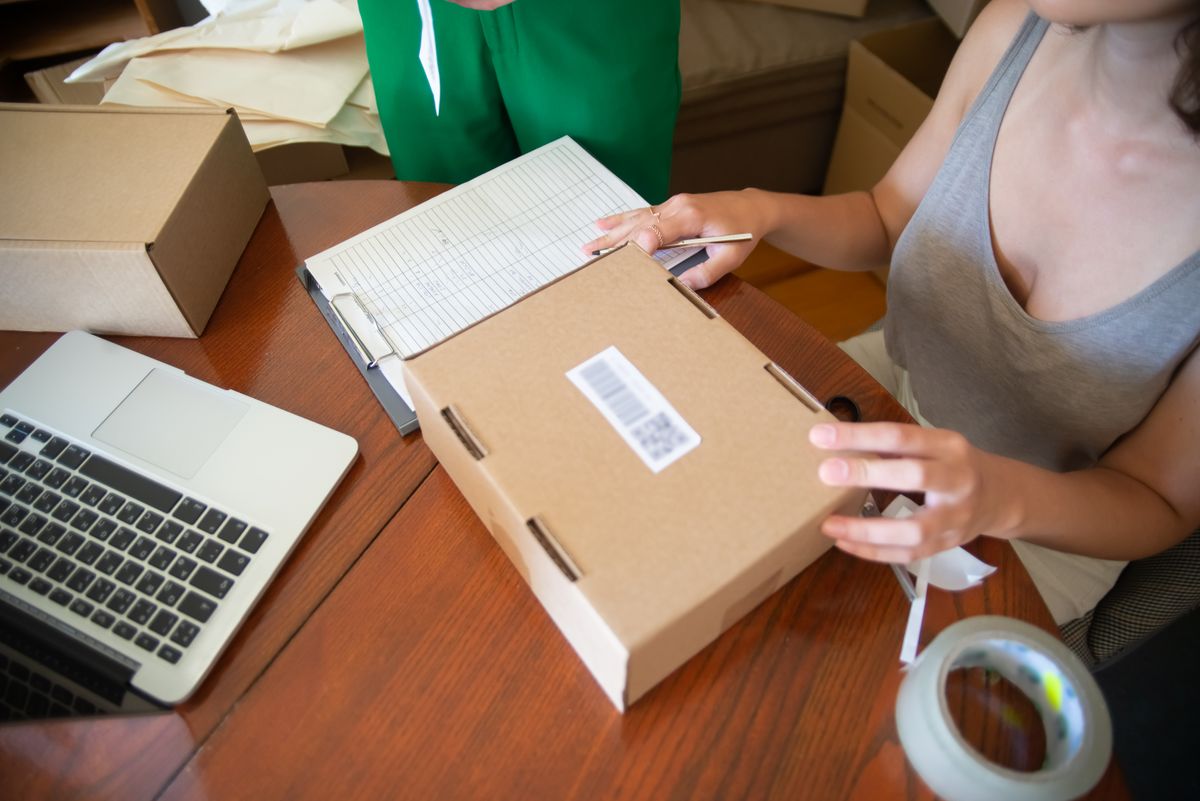
Keep customers informed from order to doorstep and cut the where-is-my-order calls.
Read more
Promote offers, events and new stock to customers who have chosen to hear from you.
Read moreSend one message to thousands in a few clicks
Learn moreHandle STOP requests and stay compliant
Learn moreSave and reuse your most common messages
Learn more