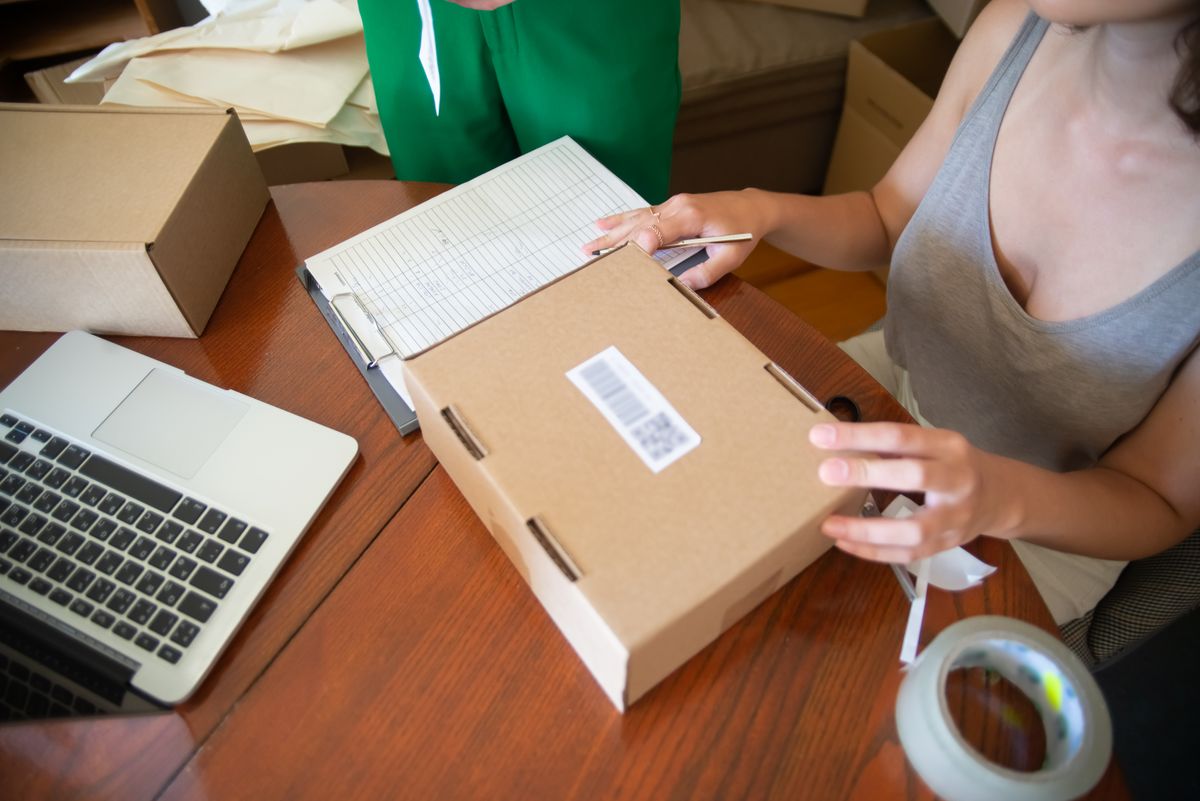
Order and delivery updates
Keep customers informed from order to doorstep and cut the where-is-my-order calls.
Read more
A short, well-timed text is one of the simplest ways to make sure customers turn up. Orbis SMS lets you prepare reminders in advance and send them at the right moment.
Missed appointments cost money and time. An empty slot in a dental surgery, salon chair or garage bay cannot be resold once it has passed, and staff are left waiting. Most no-shows are not deliberate; people simply forget, mix up dates or mean to call and cancel but never get round to it. Phoning every customer the day before is slow and often ends in voicemail. A text reminder arrives on the phone people carry everywhere, is read within minutes, and gives them the details and a number to call if they need to rearrange, freeing the slot for someone else.

Export tomorrow's or next week's bookings from your diary or booking system as a CSV and upload it to Orbis SMS. Map the columns for name and mobile number, and add the customers to a group such as Reminders this week so they are easy to select when sending.
Save a template that includes your business name, a merge field for the first name, the appointment date and time, and a phone number for changes. Keep it under 160 characters so each reminder uses a single credit. Your whole team can then send the same clear message.
Choose the group and template, then schedule the reminder for the afternoon or early evening before the appointment. That is usually when people can check their plans and still have time to rearrange. Preparing a full week of reminders in one sitting saves a daily task.
Review your message history after the send. Where delivery information is available, look for failed messages, which usually mean an incorrect number. Correct those records and phone anyone whose reminder did not get through, so your contact data improves every week.
Keep customers informed from order to doorstep and cut the where-is-my-order calls.
Read more
Promote offers, events and new stock to customers who have chosen to hear from you.
Read more
Reach your whole team fast with shift changes, cover requests and urgent notices.
Read more