
Appointment reminder texts
Cut missed appointments with a timely text the day before, sent automatically at the time you choose.
Read more
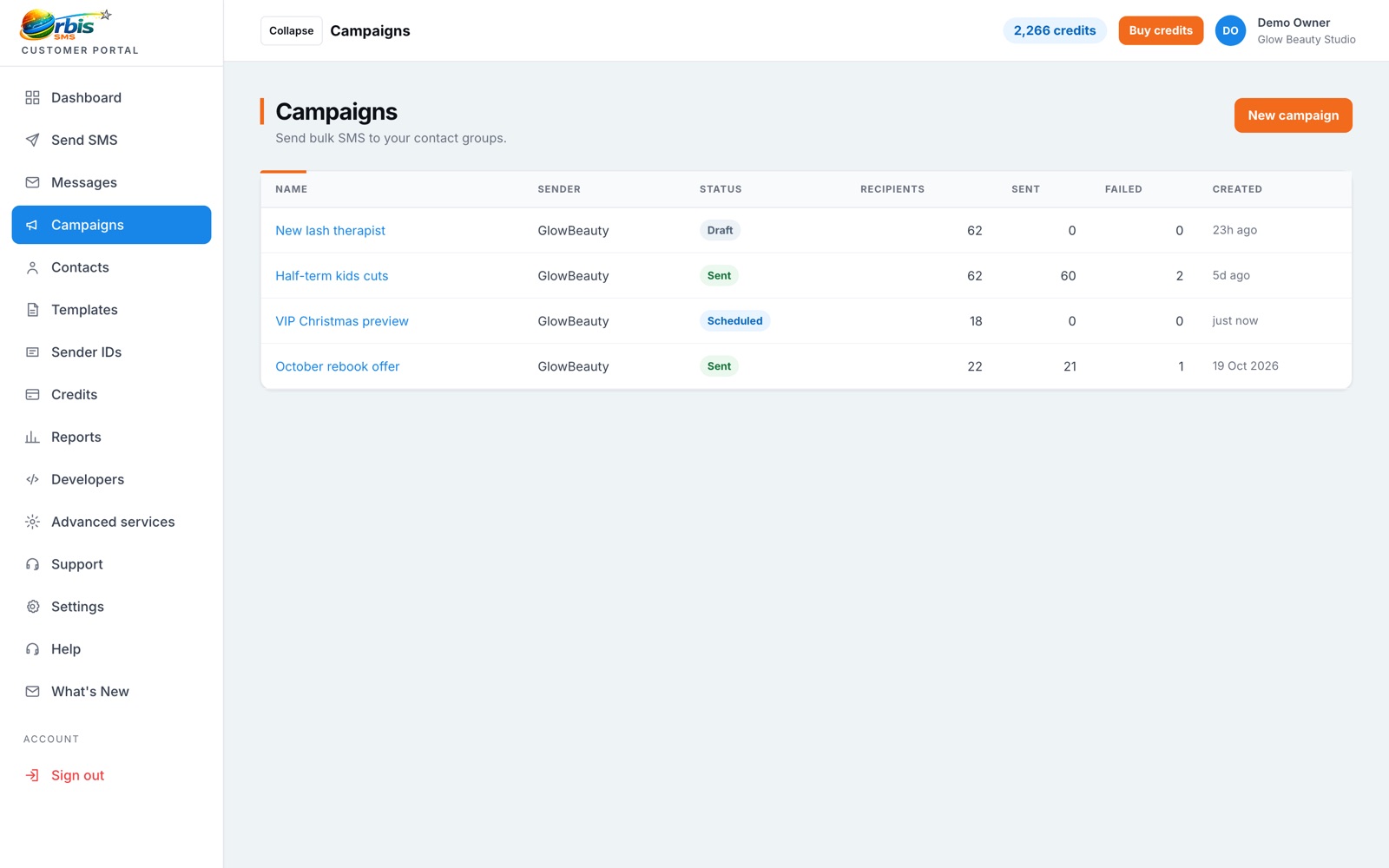
Prepare your messages when it suits you and have them delivered when it suits your customers. Scheduling is built into every send in Orbis SMS.
A reminder sent the evening before an appointment is useful. The same reminder sent three days early is forgotten, and one sent at 6am is irritating. Scheduling lets you match each message to the moment it is most likely to be read and acted on. It also means busy teams can batch their messaging work, preparing a week of notices on a Monday morning instead of stopping every day to send them.
When you compose a message or set up a campaign, choose a date and time instead of sending immediately. The scheduled send appears in your account so you can check what is due to go out. If plans change, you can review it before the send time. At the chosen moment, Orbis SMS processes the message to your selected recipients using your available credits, and the result is added to your message history.
Scheduling also helps you stay considerate. Marketing messages are best sent during normal waking hours, and many businesses avoid Sundays and bank holidays for promotions. Service messages, such as a change to tomorrow's delivery slot, can reasonably go later. Planning sends in advance gives you time to check the wording, the audience and the opt-out line before anything leaves your account.
Cut missed appointments with a timely text the day before, sent automatically at the time you choose.
Read more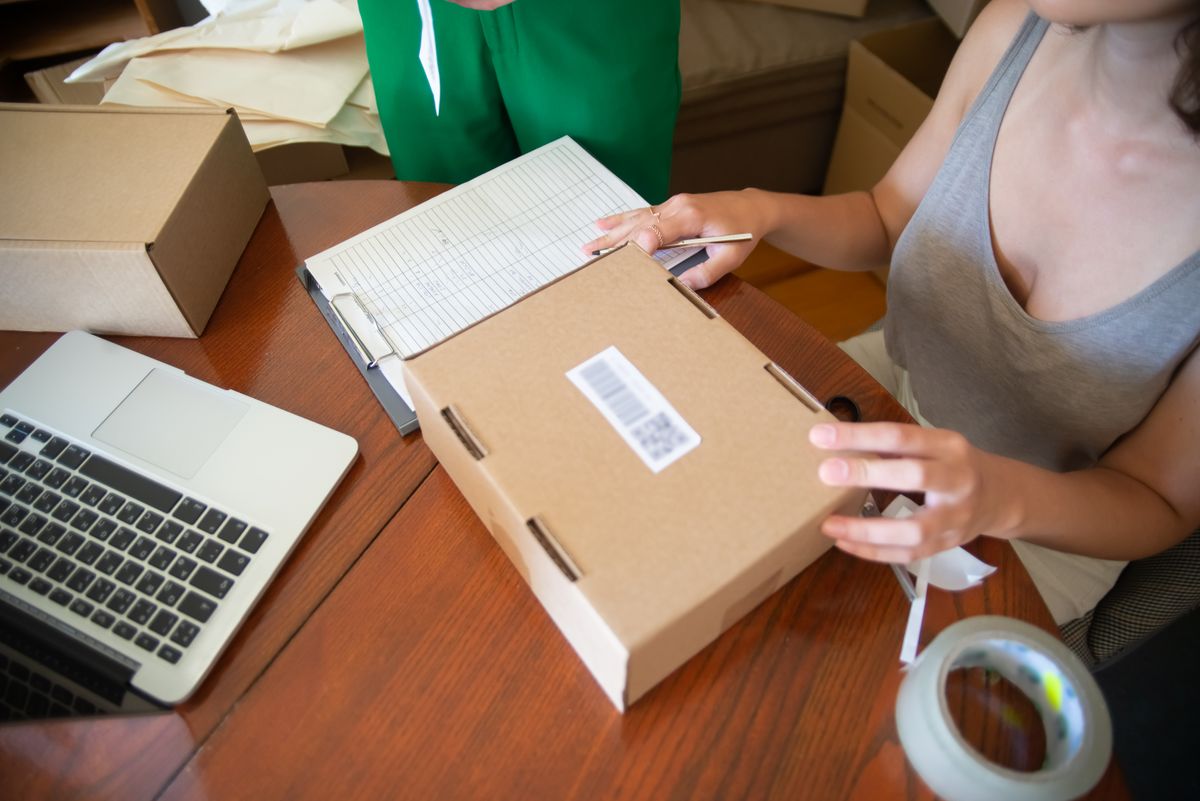
Keep customers informed from order to doorstep and cut the where-is-my-order calls.
Read more
Promote offers, events and new stock to customers who have chosen to hear from you.
Read morePlan, send and review targeted text campaigns
Learn moreSave and reuse your most common messages
Learn moreSend one message to thousands in a few clicks
Learn more