
Appointment reminder texts
Cut missed appointments with a timely text the day before, sent automatically at the time you choose.
Read more
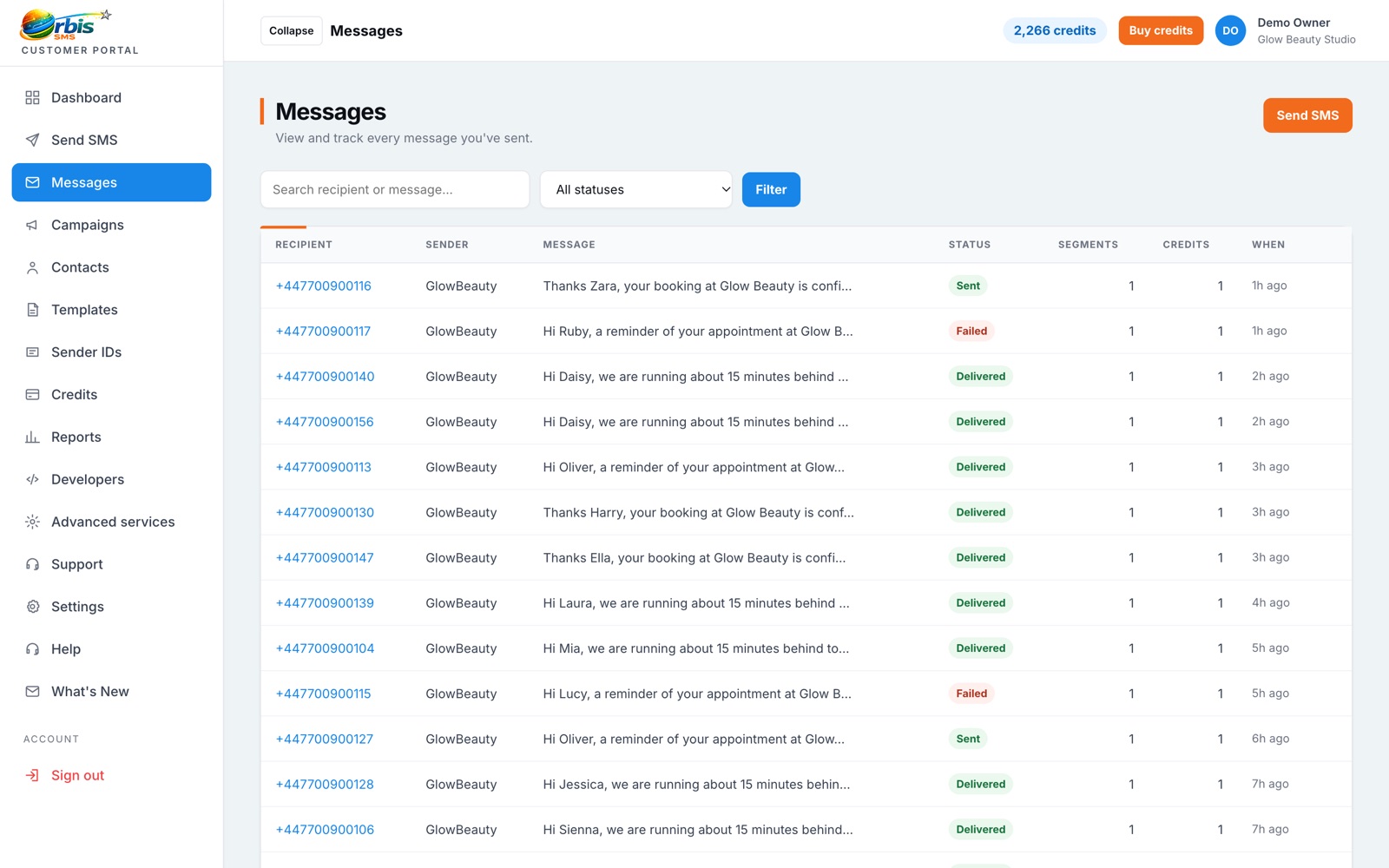
Each text you send is logged in your message history with its status. Where networks return delivery information, you can see whether a message reached the handset.
Your message history in Orbis SMS shows what was sent, to whom, when and from which sender. That is useful day to day, for example when a customer says they never received a reminder, and it is invaluable when you need to check what your business communicated during an incident. Search and filter your history instead of relying on screenshots or memory.
After a message leaves our platform, mobile networks may report back on whether it reached the recipient's phone. Where that information is available, Orbis SMS shows it against the message. Typical outcomes include delivered, pending and failed. Not every network or route returns a report, and a delivered status means the handset received the text, not that the person read it. We are always clear about that distinction.
Failed deliveries usually point to numbers that are no longer in use, are mistyped or belong to landlines. Reviewing failures after a large send lets you correct or remove those contacts, so future campaigns spend credits only on reachable numbers. Repeated pending statuses can indicate a network issue, and our support team can help investigate if you see a pattern.
Cut missed appointments with a timely text the day before, sent automatically at the time you choose.
Read more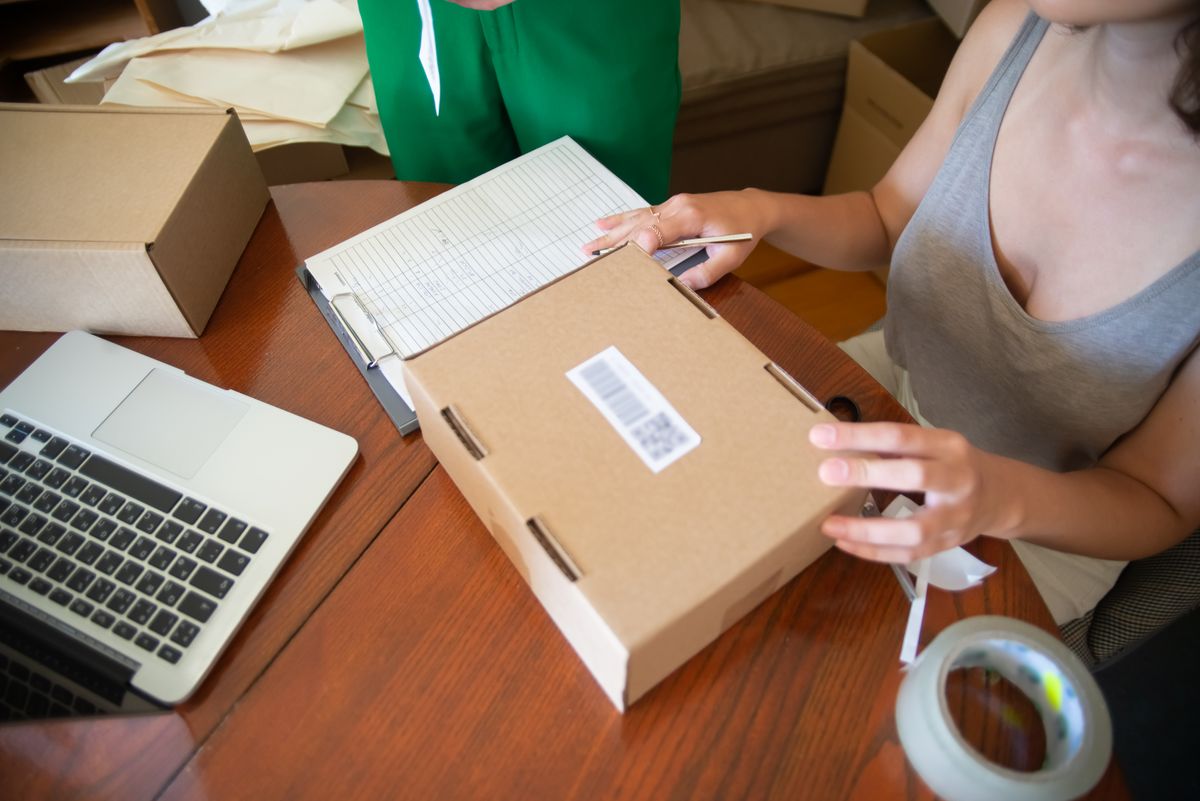
Keep customers informed from order to doorstep and cut the where-is-my-order calls.
Read more
Polite, timely reminders that help invoices and balances get paid without awkward calls.
Read moreTrack usage, spend and campaign results
Learn moreOrganise contacts, groups and CSV imports
Learn moreSend one message to thousands in a few clicks
Learn more