
Appointment reminder texts
Cut missed appointments with a timely text the day before, sent automatically at the time you choose.
Read more
Customers want to know when their order is coming. A quick text at each key stage keeps them informed and keeps your phone lines free.
When customers do not know where their order is, they ring, email and message on social media, often several times. Every one of those contacts takes staff time that could be spent packing and dispatching. Missed deliveries are expensive too: a failed drop means a second attempt, a collection from a depot or a refund. Email updates are easily lost in a crowded inbox or a spam folder. A text saying an order has been dispatched, or that a van will arrive tomorrow morning, is read almost immediately and lets the customer make sure someone is home or arrange a safe place.
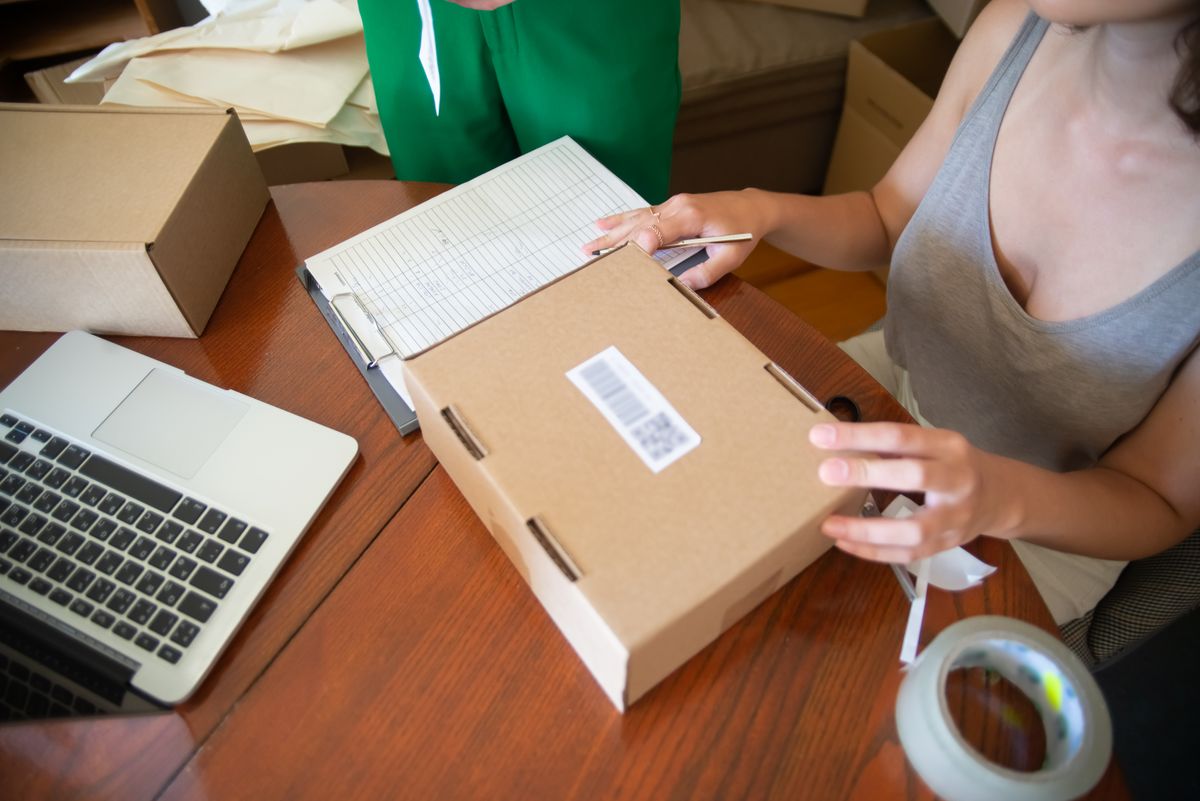
Export the day's dispatched orders from your ecommerce or order system as a CSV and import them into Orbis SMS. Put them into a group such as Dispatched today, so a single send reaches everyone whose order has left the warehouse.
Create templates for each stage you want to cover, such as order received, dispatched and out for delivery. Use merge fields for names, and keep the wording factual. Including your business name at the start makes the message instantly recognisable.
Send dispatch notices once the courier collects, or schedule them for a set time each afternoon. For local deliveries, a message the evening before with a time window helps customers plan. Your credit balance is checked before sending, so you always know the cost.
Use message history and delivery information, where available, to confirm updates went out. Correct any invalid numbers in your contact records. Reports show how many updates you send each week, which helps you plan credit purchases around busy periods such as Christmas.
Cut missed appointments with a timely text the day before, sent automatically at the time you choose.
Read more
Promote offers, events and new stock to customers who have chosen to hear from you.
Read more
Reach your whole team fast with shift changes, cover requests and urgent notices.
Read more